
ACCESS CONTROL SYSTEM
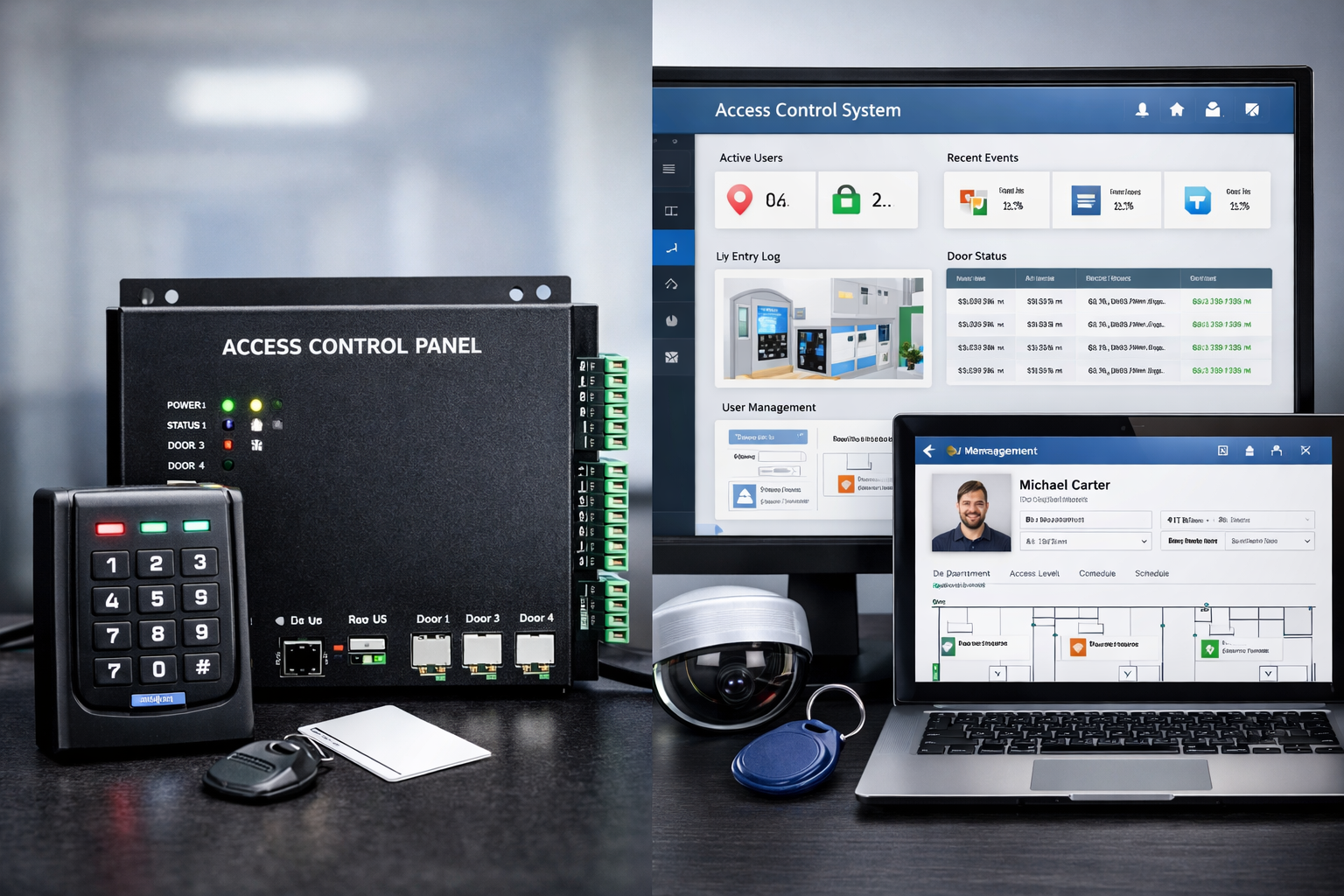
Access Control System (ACS) is a security system that regulates who can enter or exit a building, room, or restricted area, and when they are allowed to do so.
How it works
The system verifies a person's identity using credentials such as:
- Access cards and key fobs
- Pin codes or passwords
- Biometrics (fingerprint, face, iris)
- Mobile apps or QR codes
Once verified, the system grants or denies access by controlling door locks, turnstiles, or gates.
Biometric Access Control
Biometric access control is a security system that authenticates and allows entry based on a person’s unique biological characteristics, rather than cards or Pins.
COMMON BIOMETRIC TYPE: -
- Fingerprint recognition (most widely used)
Main Purpose
To ensure secure, accurate, and tamper-proof access, eliminate risks of lost cards, shared PINs, or unauthorized entry, Track attendance and access logs in real time
KEY COMPONENTS: -
- Biometric Reader/Scanner – captures the biometric data
-
Controller / Panel – processes and verifies data
-
Database – stores enrolled biometric templates
-
Door Lock – magnetic lock, electric strike, or boom barrier
-
Access Control Software – user management & reporting
-
Power Supply & Backup – ensures uninterrupted operation

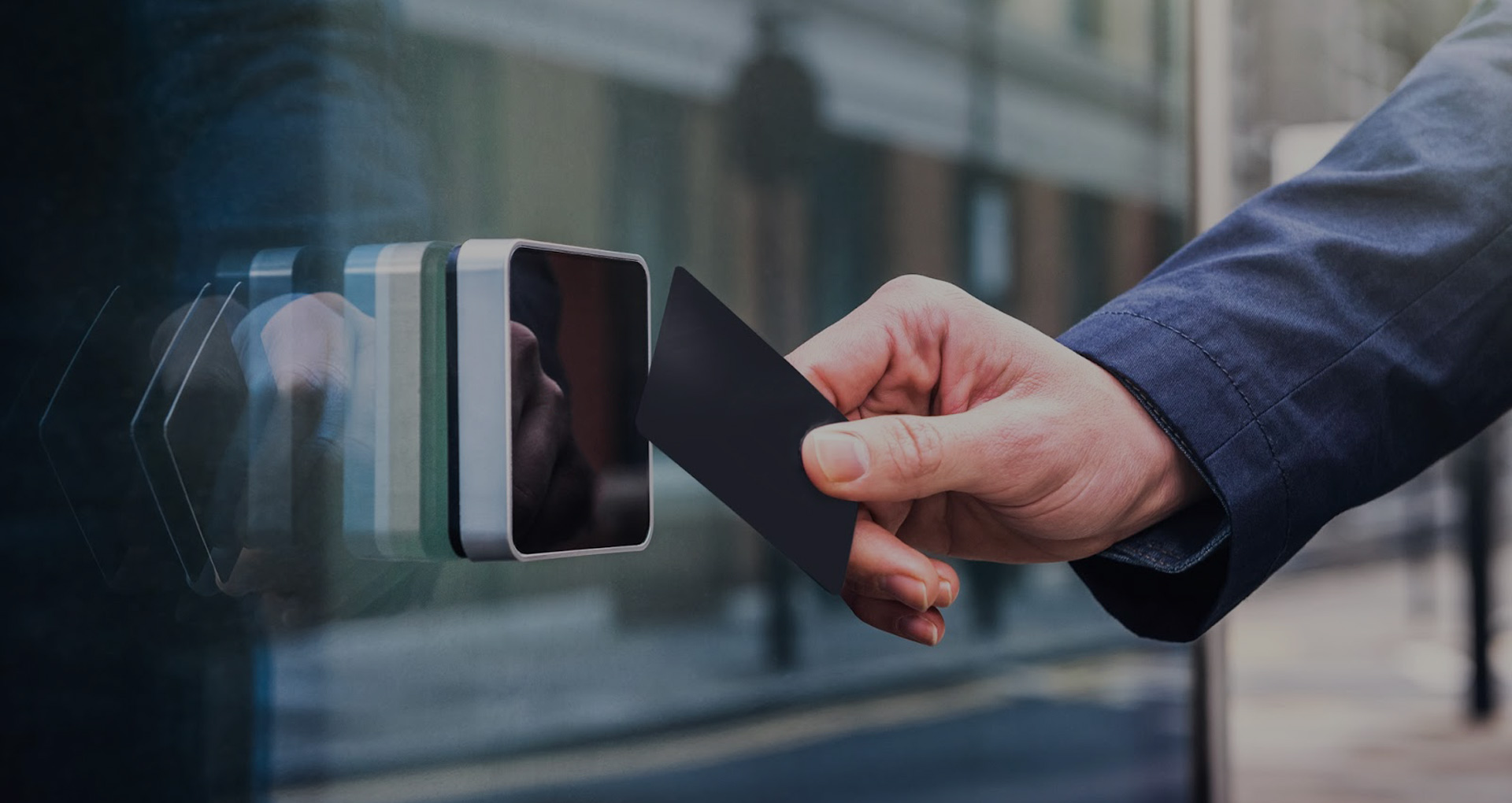
An access card reader is an electronic device used in security systems to control entry into buildings or restricted areas. It reads a credential (like an RFID proximity card, smart card, key fob, or even a mobile credential) and verifies it against a system database. If the credential is authorized, the reader sends a signal to unlock a door or gate.
KEY FEATURES
Communication: Often uses Wiegand, RS-485, or TCP/IP to talk to a security panel.
Types:
- Proximity (RFID) readers – wave card near reader.
-
Smart card readers – contactless or contact cards with encryption.
-
Keypad readers – may require PIN entry along with card.
-
Biometric readers – combine fingerprint/face with card.
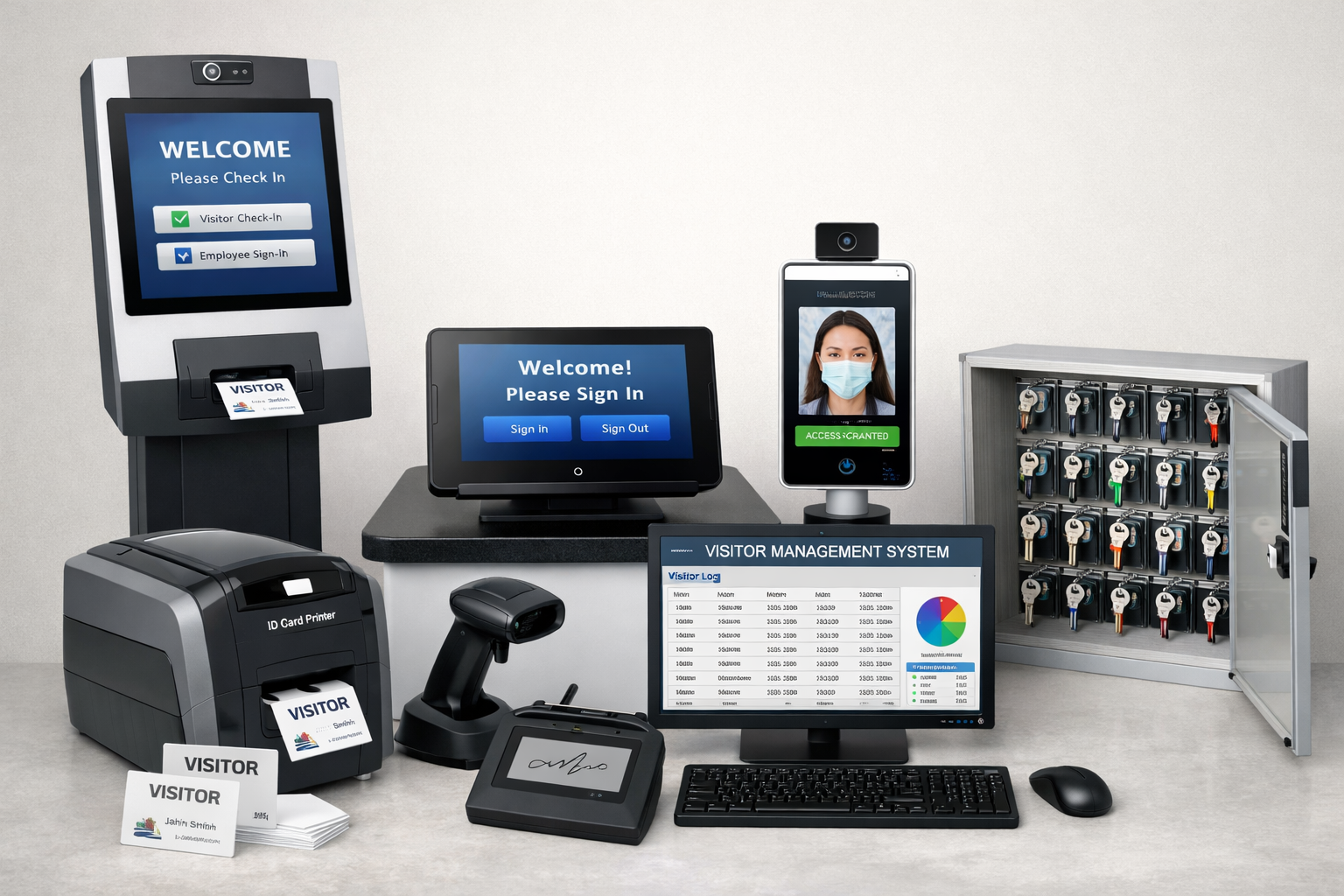
A Visitor Management System (VMS) is a digital solution used to register, track, monitor, and manage visitors entering a facility such as an office, factory, hospital, school, or data center. It replaces manual registers with a secure, automated process to improve security, compliance, and visitor experience.
Common VMS Equipment & Their Purpose
Self-Service Check-in Kiosk: -Allows visitors to register themselves by entering details, scanning IDs, or receiving instructions.
-
Tablet / Touchscreen Sign-in Device: -Used at reception for quick visitor registration, sign-in, and sign-out.
-
Facial Recognition / Camera Device: -Captures visitor images for identity verification and enhanced security.
-
ID Card / Badge Printer: -Prints temporary visitor badges with name, photo, date, and access level.
-
Barcode / QR Code Scanner: -Scans visitor QR codes from email invites or printed passes for fast entry.
-
Electronic Signature Pad: -Collects visitor consent, NDA acceptance, or safety acknowledgements digitally.
-
VMS Software Dashboard (PC / Monitor): -Displays real-time visitor data, reports, analytics, and history.
-
Key Management Cabinet: -Securely stores and tracks keys issued to visitors or contractors.
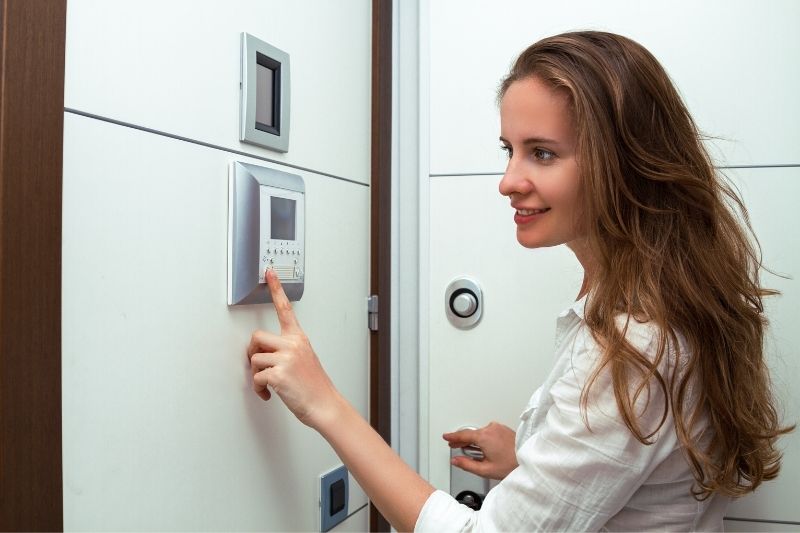
IP Door Phone Access Control is a security system that combines a video door phone (intercom) with network-based access control. It uses an IP (Internet Protocol) network to allow communication, identity verification, and door unlocking—locally or remotely.
Key points:
- Works over LAN / Internet
-
Supports video calling between visitor and indoor monitor, PC, or mobile app
-
Access via RFID card/fob, PIN, mobile app, or remote unlock
- Integrates with electric locks, access controllers, and CCTV
- Suitable for offices, apartments, villas, hospitals, and campuses
- IP video door phone (camera, mic, speaker)
- Access method (RFID, keypad, mobile app)
- Network (PoE switch / router)
- Indoor monitor / PC / smartphone
- Electric door lock & power supply